Made for Dungeon Masters and Creative Players

Worldbuilding Tools for DnD Campaigns

Crafting a DnD world involves more than notes. You need tools to build, visualize, and present your setting without chaos. Our platform helps you do just that—cleanly and creatively.

These people seem a little too excited, don't they?

What You Can Do

From lore and maps to dungeons and NPCs—everything you need to run your campaign, all in one place.

Build a Living Lore Wiki
Create pages for locations, factions, NPCs, and items. Link them together, add rich content, and keep everything searchable and organized.
Generate and Customize Maps
Build towns, dungeons, and world maps with built-in generators. Add interactive pins, locations, shops, NPCs, and quest hooks—then share or print them.
Create and Share Your World Online
Host your campaign setting with custom links. Control what’s public, private, or player-visible. Get analytics on published pages and allow collaborators to edit with you.
Generate Items and Artifacts
Need quick magic items or unique gear? Use the item generator to instantly populate loot tables or enrich your world’s flavor.
Use Visual Assets & Templates
Access a cave parallax background, sprite sheet maker, and custom art maker to create scene visuals or tokens for handouts and VTTs.
Export and Share Your Work
Export to PDF for offline play or to JSON for use in game engines. Embed content elsewhere or print directly for the table.
Roll for Encounters and Loot

Stop stalling mid-session. Pull from hundreds of ready-made tables for dungeon dressing, monsters, and NPCs—or build your own for a homebrew setting.

Explore All Random Tables

Tokens for Your Whole Bestiary

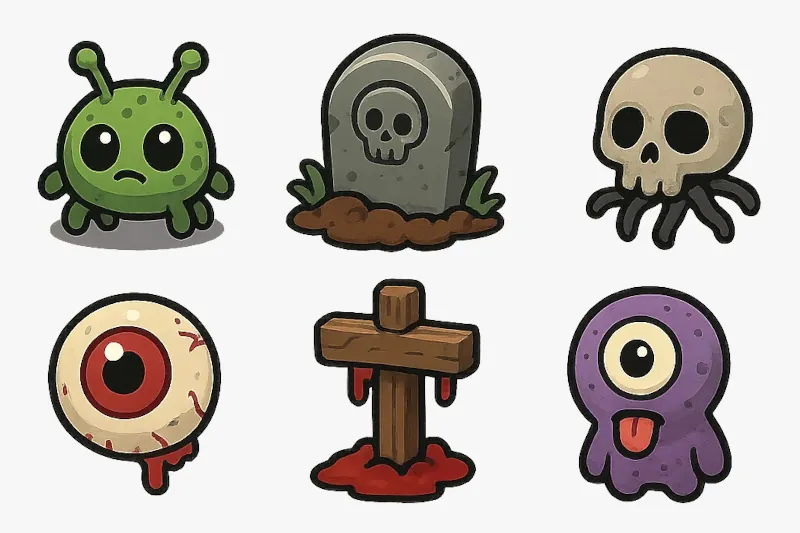
A wandering monster shouldn't wait on your art skills. Generate a battle-ready token the moment you need one, straight from a description or a random table roll.

Session Notes & Continuity

Keep a running record of your campaign as it unfolds. Use The Log to track session recaps, DM notes, and callbacks for future sessions—everything stays linked to your world so continuity is never lost.

Start a Session Log

Prep Smarter

blog post preview image
world-building

How to Create Random Tables

This guide walks you through creating custom Random Table Generators, from setting up a Generator and organizing its contents to building your first Random Table and filling it with entries. You’ll learn what each section of the editor does, how privacy and search metadata work, how to link tables together for layered results, and how to speed up setup with pasted entries or assisted generation.

Why DMs Love It

  • One place for worldbuilding, maps, and visuals
  • Powerful generators save hours of prep
  • Built-in publishing and player sharing tools
  • Works for long campaigns or one-shots
  • No piecemeal DLC—everything included

Prepping for your next session?
Let's make it epic.