
How Good Habits Can Help You Ship Your First Game (and Your Second)
The secret to game dev success? Small steps, daily habits, and the courage to ship—even when it’s not perfect.

Author
Made for Game Devs With Big Ideas and Small Teams
Whether you’re making a story-driven RPG, a physics-based platformer, or a weird little experiment, our tools help you get from idea to playable faster—with support for worldbuilding, art, hosting, and deployment.
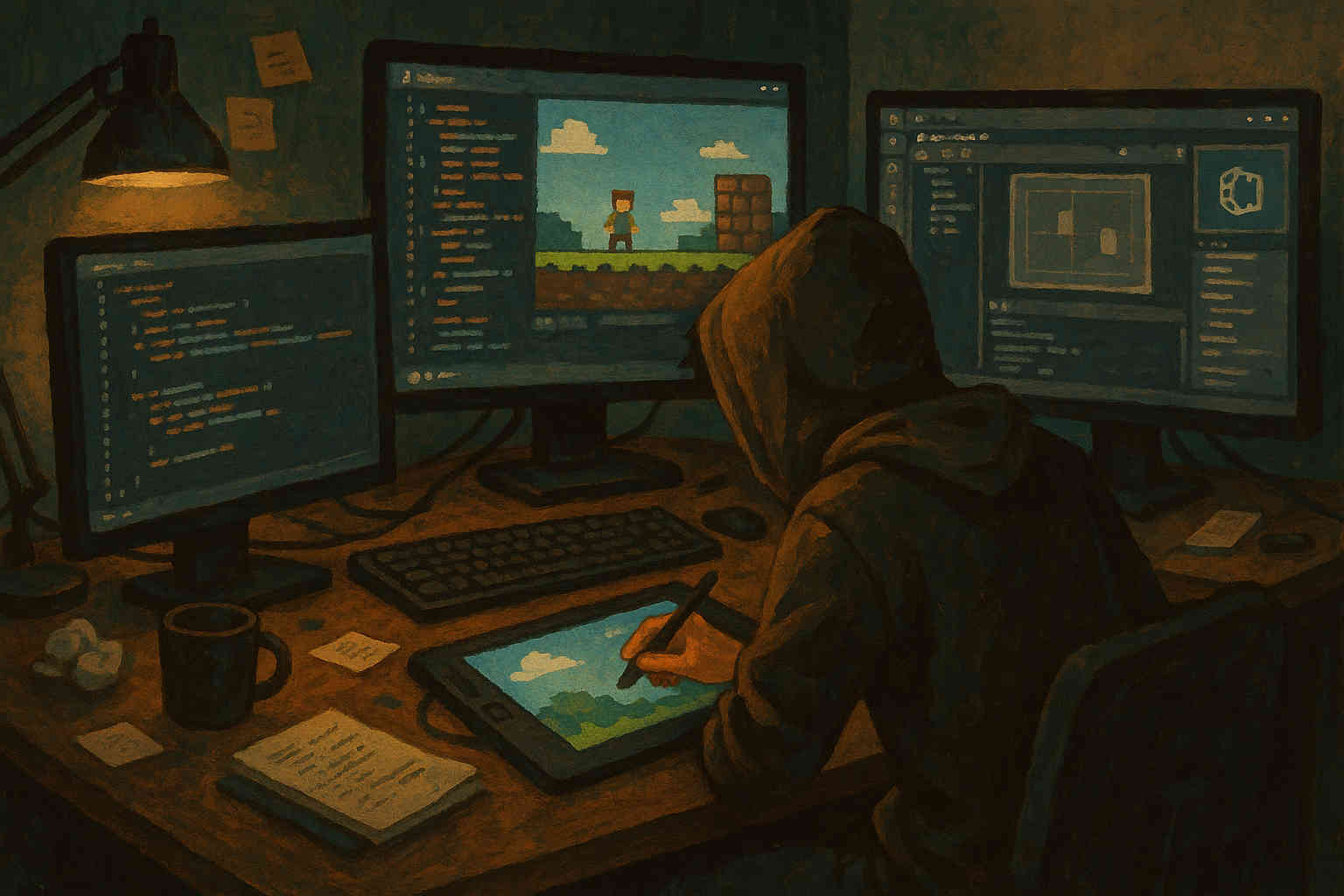
From early ideas to working demos—tools to launch faster and build smarter.
Stub out your game's data before you've written a single system. Roll for vehicles, tech, and loot objects—or build your own tables and export them straight into your project.
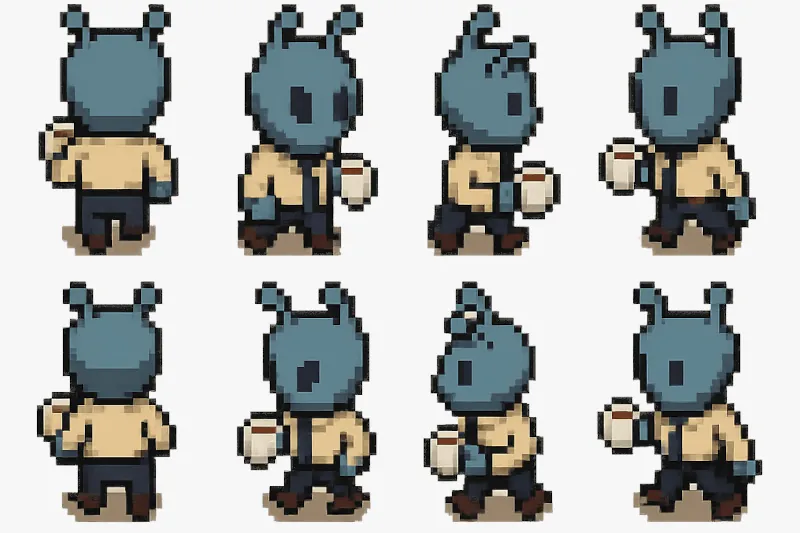
Generate concept art and enemy/item mockups in seconds, then turn them into sprite sheets for your engine. Prototype the vibe before you spend real budget on final art.
Keep a running dev log as you build. Use The Log to jot down design decisions, bugs to revisit, and feature ideas—everything stays linked to your world so nothing gets lost between builds.
Start a Dev Log
The secret to game dev success? Small steps, daily habits, and the courage to ship—even when it’s not perfect.
Author

Learn how to use the Final Parsec plugin for Unity to easily make WebGL builds of your game and host it online for FREE!

Author

Sharing prototypes early helps shape better games. In this post, I show how I use Final Parsec to instantly deploy and share my Godot builds for fast, browser-based feedback.
Author

$9.99/mo
Unlock every tool, template, and asset with one subscription. Whether you're building a world, writing a story, or running a campaign, go further with expanded storage, AI features, and monthly content drops. No ads, no limits, just pure creative focus. You've started something great. Upgrade to bring your vision fully to life.